
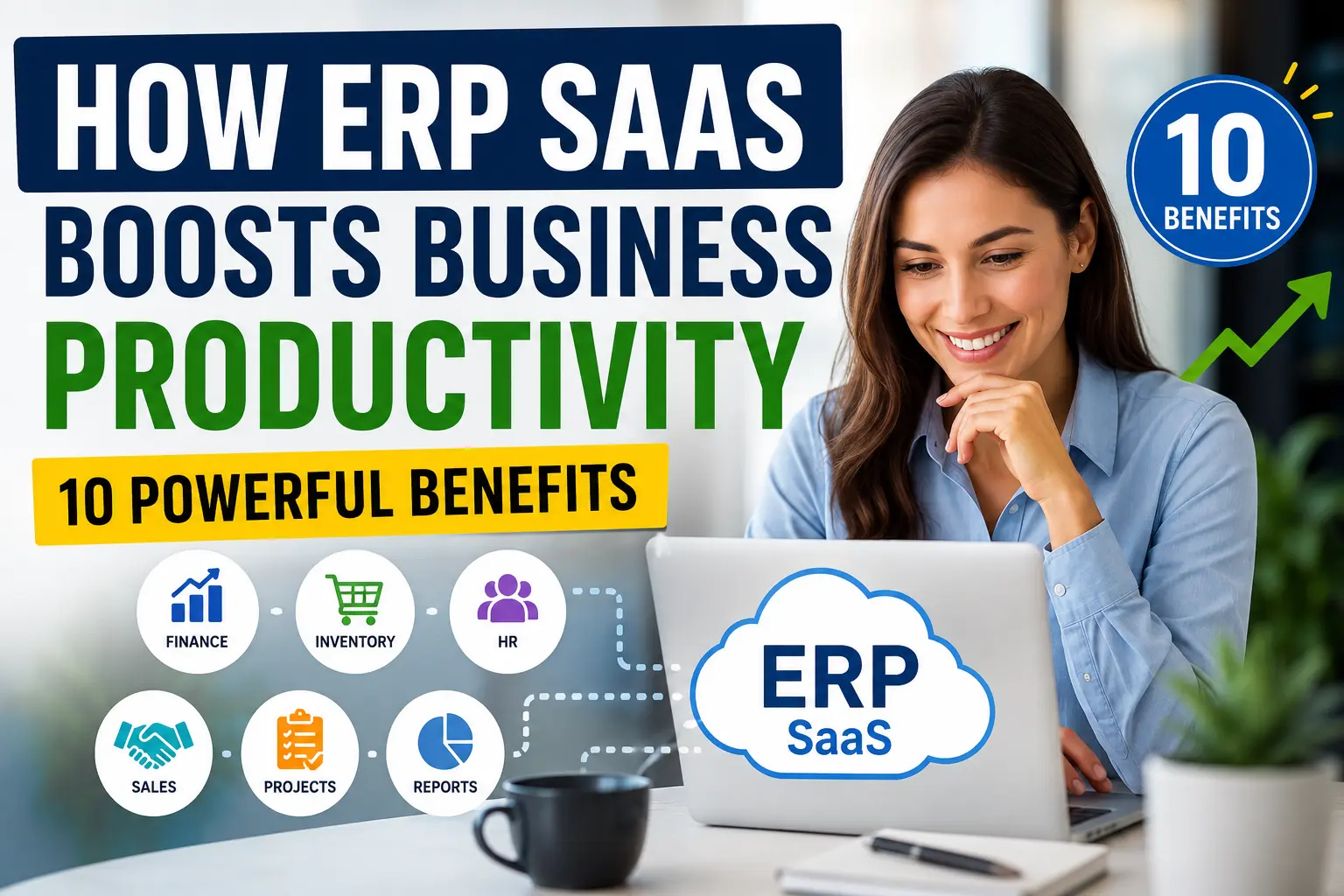
How ERP SaaS Boosts Business Productivity: 10 Powerful Benefits
Your team probably doesn’t need another spreadsheet.
It needs fewer spreadsheets, fewer repetitive tasks, fewer “Where did that number come from?” conversations, and fewer frantic messages when someone can’t find the latest sales or inventory data.
That’s where ERP SaaS can make a surprisingly big difference.
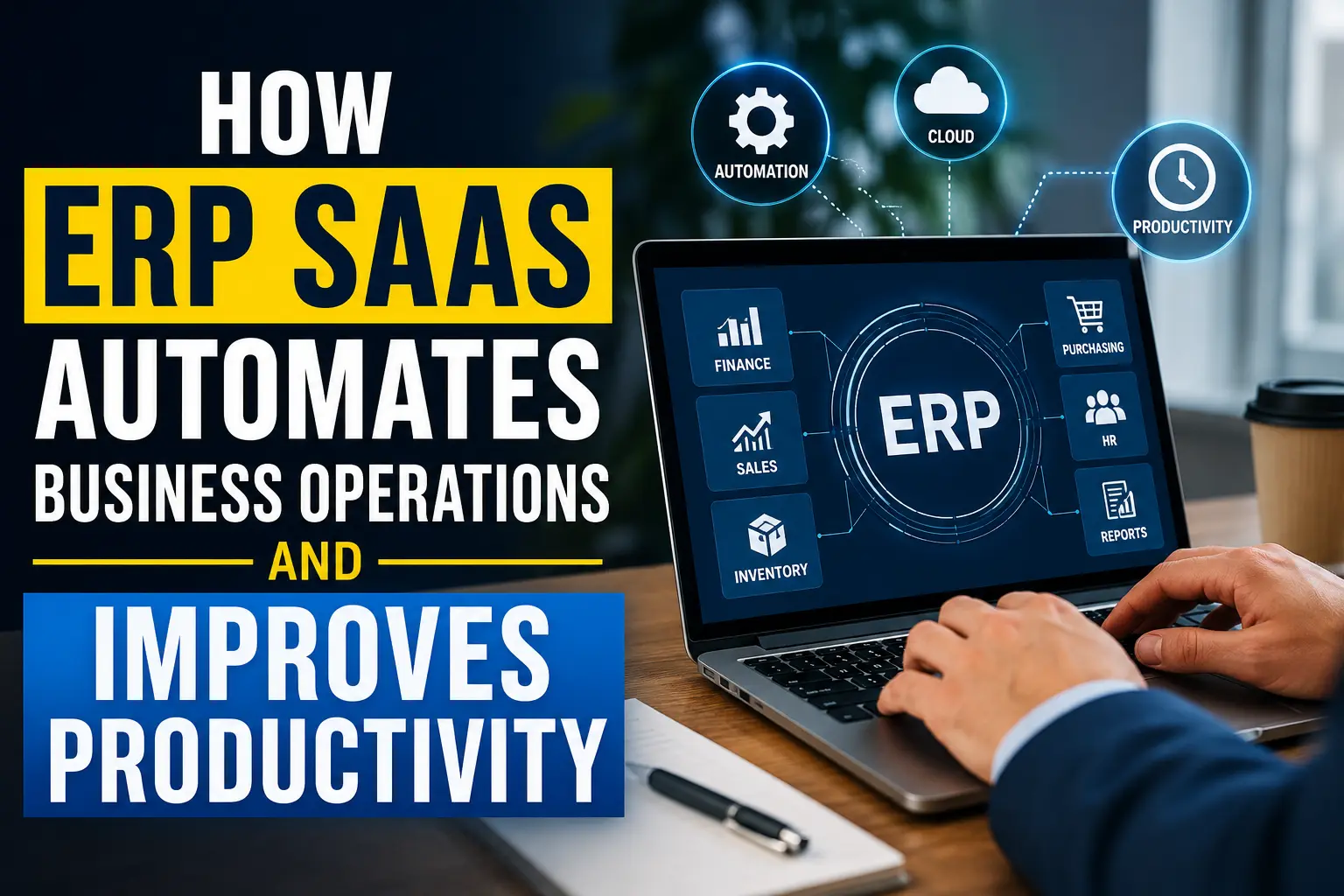
Instead of installing an ERP system on company servers and managing everything yourself, you access a cloud-based ERP platform through the internet. The system can connect finance, sales, inventory, purchasing, human resources, customer information, reporting, and other business processes in one environment.
Sounds simple, right? The real advantage comes from what happens after everything connects.
When employees stop jumping between disconnected systems, they can spend more time doing useful work. Managers can make decisions with current information. Finance teams can reduce manual reconciliation. Sales teams can see relevant customer and order information without hunting through five different applications.
And yes, your employees might actually spend less time fighting spreadsheets. That alone deserves a small celebration. 🙂
Let’s look at 10 powerful ERP SaaS benefits and why they can improve business productivity.
1. ERP SaaS Connects Your Business Data
Think about how many systems a typical company uses.
You might have one application for accounting, another for customer management, a spreadsheet for inventory, an HR platform for employee records, and a collection of documents sitting in shared folders.
Each tool may work perfectly on its own. The problem starts when your team needs information from all of them at once.
One system can connect multiple departments
An ERP SaaS platform brings core business functions into one connected system.
Depending on the platform, your ERP may connect:
- Accounting and finance
- Sales
- Inventory management
- Purchasing
- Supply chain operations
- Human resources
- Customer information
- Project management
- Order management
- Reporting and analytics
Instead of asking three departments for the same information, employees can access the information they need from connected business records.
For example, imagine a customer places an order.
The sales team records the order. The inventory team can see the demand. Purchasing can monitor stock requirements. Finance can track the transaction. Management can view the effect on revenue.
Nobody needs to copy the same information into four spreadsheets.
That connection can reduce duplicate data entry and improve information flow across the company.
Why does connected data matter?
Because productivity doesn’t only depend on how quickly employees work.
It also depends on how quickly employees can find accurate information.
If an employee spends 20 minutes searching for information every day, the company loses more than 80 hours of work across a year for just one person working five days a week.
Multiply that across a department, and the hidden cost becomes much larger.
2. ERP SaaS Automates Repetitive Tasks
Nobody starts a career dreaming about manually copying invoice information between spreadsheets.
Yet businesses often spend hours on repetitive administrative tasks.
ERP SaaS can automate many routine workflows.
What can ERP automation handle?
Depending on the platform and configuration, businesses can automate tasks such as:
- Invoice creation
- Payment reminders
- Purchase approvals
- Expense workflows
- Inventory alerts
- Recurring billing
- Order processing
- Financial reporting
- Employee approval workflows
- Data synchronization
- Notifications
Automation doesn’t necessarily mean removing people from the process.
Instead, it lets employees spend less time performing predictable tasks and more time handling situations that require judgment.
For example, a purchasing team might normally check inventory levels every morning.
An ERP system can monitor inventory continuously and trigger an alert when stock reaches a predefined threshold.
Why make a person watch a number all day when software can do it automatically?
Automation reduces human error
Manual data entry creates opportunities for mistakes.
Someone can enter the wrong quantity. Another employee can copy the wrong price. Someone can forget to update a spreadsheet.
ERP automation can reduce these repetitive errors by using predefined workflows and connected data.
The productivity benefit comes from saving time while improving consistency.
FYI, automation doesn’t magically fix a broken business process. If the underlying process makes no sense, automation can simply help you perform nonsense faster. That’s why companies should review workflows before automating them.
3. ERP SaaS Gives Employees Faster Access to Information
How much time does your team spend asking for information?
“Can you send me the latest sales report?”
“Which invoice did we use?”
“Do we still have that product in stock?”
“Did the customer pay?”
“Who approved this purchase?”
These questions seem harmless.
But hundreds of small information requests can consume significant working time.
Cloud access changes the workflow
A SaaS ERP system stores business information in a centralized environment that authorized users can access through the internet.
That means employees can often access relevant information from:
- Office computers
- Laptops
- Tablets
- Mobile devices
- Remote work environments
The exact access options depend on the ERP provider and user permissions.
Instead of waiting for another department to send a file, an employee can often check the relevant record directly.
Faster information access can shorten workflows and reduce unnecessary communication.
Employees can work from different locations
Remote and hybrid teams create another challenge.
Employees need reliable access to business systems even when they don’t sit in the same office.
Cloud ERP platforms can support this model because the software runs through cloud infrastructure rather than depending entirely on a local company server.
That flexibility can help distributed teams collaborate more efficiently.
4. ERP SaaS Improves Financial Management
Finance teams often manage enormous amounts of information.
Invoices, payments, expenses, purchase orders, revenue, taxes, budgets, payroll information, and financial reports can quickly create a complicated workload.
ERP SaaS can bring many of these processes together.
Finance teams gain better visibility
A connected ERP environment can help finance professionals monitor:
- Revenue
- Expenses
- Accounts receivable
- Accounts payable
- Cash flow
- Budgets
- Purchase activity
- Financial transactions
When financial information connects with sales, purchasing, and inventory data, finance teams can understand the business more clearly.
For example, a finance manager can compare sales activity with outstanding customer payments.
That context matters.
High sales numbers don’t automatically mean strong cash flow. A company can generate significant revenue while customers take too long to pay.
An ERP system can help teams monitor these relationships.
Faster reporting supports better decisions
Manual financial reporting can consume significant time.
Employees may collect information from multiple sources, clean spreadsheets, check formulas, and prepare reports.
ERP reporting tools can automate parts of this process.
Faster reporting gives managers more time to analyze the numbers instead of preparing them.
That distinction matters.
A report doesn’t create value simply because someone generated it. The business gains value when someone uses the information to make a better decision.
5. ERP SaaS Helps Companies Manage Inventory Better
Inventory problems can quietly destroy productivity.
Too much inventory ties up cash. Too little inventory can cause delays, lost sales, and frustrated customers.
ERP SaaS can help businesses create better visibility across inventory operations.
Track inventory more efficiently
An ERP platform can connect information about:
- Current stock
- Product movement
- Purchase orders
- Sales orders
- Suppliers
- Warehouses
- Reorder levels
- Inventory costs
When sales and inventory systems communicate with each other, businesses can respond faster to changing demand.
Imagine a retailer selling a popular product.
Sales increase rapidly. Without connected inventory information, the purchasing team might notice the problem too late.
With an integrated ERP system, relevant teams can see sales activity and inventory levels together.
That connection helps the company respond before the shelves become empty.
Reduce unnecessary inventory work
Employees can also spend less time manually updating inventory records.
Instead of maintaining multiple spreadsheets, the business can use connected transactions to update relevant records automatically.
Better inventory visibility can improve productivity while helping businesses control inventory costs.
Of course, ERP software can’t predict every customer purchase perfectly. If it could, every retailer would have already retired on a beach somewhere. But it can give teams much better information for planning.
6. ERP SaaS Strengthens Collaboration Between Departments
Departments often develop their own systems.
Sales has one process. Finance has another. Operations has another.
Eventually, everyone starts speaking a slightly different data language.
ERP SaaS can create a shared operational environment.
Everyone works from connected information
Consider a simple customer order.
Sales needs customer details.
Operations needs order information.
Inventory needs stock information.
Finance needs billing information.
Management needs performance information.
If each department maintains separate systems, employees need to move information between them.
An ERP system can connect these activities.
Shared data creates a clearer picture of the customer and the transaction.
Fewer information gaps mean fewer delays
Suppose sales promises a delivery date without seeing current inventory information.
The company might later discover that the product requires additional purchasing.
Now someone needs to contact the customer, change the delivery schedule, and explain the delay.
Connected ERP data can help employees make decisions with more relevant information before they make promises.
That can improve both productivity and customer experience.
7. ERP SaaS Improves Business Reporting and Analytics
Business leaders can’t make strong decisions by guessing.
Yet many organizations still rely heavily on spreadsheets and manually prepared reports.
ERP SaaS can provide centralized reporting across multiple business functions.
Turn business data into useful insights
Depending on the ERP platform, managers can analyze information such as:
- Sales performance
- Revenue trends
- Expenses
- Inventory turnover
- Customer orders
- Purchasing activity
- Employee information
- Project performance
- Cash flow
- Operational metrics
The real benefit doesn’t come from having hundreds of dashboards.
It comes from having relevant information available when someone needs to make a decision.
Real-time visibility can improve responsiveness
Imagine that sales suddenly drops in one product category.
A manager with connected data can investigate the issue quickly.
Perhaps inventory ran out.
Perhaps prices changed.
Perhaps a major customer stopped ordering.
Perhaps purchasing created a supply problem.
Without centralized data, the manager might spend hours collecting information.
With connected reporting, the investigation can start much faster.
Ever wondered why some companies seem to react to problems before everyone else notices them?
Better information often plays a major role.
8. ERP SaaS Makes Scaling Easier
Business growth sounds wonderful.
And it is.
Until your processes start falling apart.
A company can manage 100 orders with manual systems. Managing 10,000 orders with the same processes can become a completely different challenge.
ERP SaaS can help businesses create scalable workflows.
Growth increases operational complexity
As a company grows, it may add:
- More employees
- More customers
- More products
- More suppliers
- More locations
- More transactions
- More regulatory requirements
- More financial activity
Manual processes often become harder to manage as volume increases.
ERP software can standardize many workflows and centralize information.
That can help a growing company maintain operational consistency.
SaaS can reduce infrastructure headaches
Traditional on-premises ERP systems often require companies to manage significant infrastructure.
That can involve:
- Servers
- Maintenance
- Software updates
- Backups
- Security management
- Hardware upgrades
- Internal IT resources
A SaaS model shifts much of that infrastructure responsibility toward the provider.
The provider manages the cloud environment, while the customer manages users, configuration, business processes, and other responsibilities according to the service agreement.
That model can help businesses scale without constantly expanding their internal infrastructure.
9. ERP SaaS Can Reduce Operating Costs
Productivity and cost reduction often go together.
When employees complete tasks faster, companies can potentially reduce the cost of routine operations.
But ERP SaaS can influence costs in several ways.
Reduce duplicate software and processes
Companies sometimes purchase separate applications for different departments.
That approach can create:
- Multiple subscriptions
- Duplicate data
- Integration costs
- Training requirements
- Administrative overhead
- Separate reporting processes
An ERP platform can consolidate several business functions into one broader system.
That doesn’t automatically make ERP cheaper than every combination of specialized tools.
However, businesses should compare the total cost of ownership, not simply the monthly subscription price.
Consider the full ERP SaaS cost
When evaluating an ERP platform, look beyond the advertised subscription.
Consider:
- Software subscription fees
- Implementation costs
- Data migration
- Employee training
- Customization
- Integrations
- Support
- Additional users
- Storage
- Premium modules
A cheap ERP can become expensive if it requires constant customization.
A more expensive platform can deliver better value if it fits the company’s workflows and reduces operational costs.
IMO, the best ERP isn’t necessarily the cheapest ERP. It’s the one that delivers measurable business value without creating unnecessary complexity.
10. ERP SaaS Improves Productivity Through Better Decision-Making
Here’s the benefit that connects everything else.
ERP SaaS doesn’t only help employees work faster.
It can help managers make better decisions.
And better decisions can influence the entire organization.
Faster decisions can create competitive advantages
Imagine two companies facing the same supply problem.
Company A needs two days to collect inventory, purchasing, sales, and supplier information.
Company B can access the relevant information within minutes.
Which company can respond faster?
Usually, the company with better information has an advantage.
The ERP system itself doesn’t make the decision.
People still need to interpret the information and choose an action.
But ERP software can reduce the time between a business event and the information needed to respond to it.
Productivity goes beyond speed
A productive company doesn’t simply make employees work faster.
It helps employees:
- Find information quickly
- Avoid unnecessary manual work
- Reduce errors
- Collaborate effectively
- Prioritize important tasks
- Respond to customers faster
- Make informed decisions
- Focus on higher-value activities
That’s where ERP SaaS can create its biggest impact.
ERP SaaS vs. Traditional On-Premises ERP
If you’re considering ERP software, you may wonder why SaaS has gained so much attention.
The answer comes down to flexibility and infrastructure.
Traditional on-premises ERP typically requires the company to manage much of the technical environment.
Cloud ERP SaaS generally shifts more infrastructure management to the provider.
Here’s a simple comparison:
| Feature | ERP SaaS | Traditional On-Premises ERP |
|---|---|---|
| Infrastructure | Provider-managed cloud infrastructure | Company-managed infrastructure |
| Access | Internet-based access | Usually company network or configured remote access |
| Updates | Provider typically manages updates | Company often manages updates |
| Hardware | Usually minimal customer hardware | Significant infrastructure may be required |
| Scalability | Generally easier to scale | May require additional infrastructure |
| Initial setup | Often faster, depending on complexity | Can require substantial planning |
| IT workload | Often lower infrastructure workload | Often higher infrastructure workload |
| Customization | Depends on provider | Often offers extensive control |
| Cost structure | Subscription-oriented | Often includes licenses plus infrastructure and maintenance |
Neither model automatically wins every situation.
A large organization with strict infrastructure requirements may prefer an on-premises approach.
A growing company that wants flexibility may prefer SaaS.
The right choice depends on business size, requirements, budget, security needs, compliance obligations, and internal IT capabilities.
How to Choose the Right ERP SaaS Platform
Buying ERP software can feel like shopping for a car where every salesperson promises that their model can fly.
Take a breath.
Start with your business processes rather than starting with vendor features.
1. Identify your biggest productivity problems
Ask your team:
- Which tasks consume the most time?
- Where do employees enter the same data repeatedly?
- Which reports take too long to prepare?
- Where do departments lose information?
- Which processes create the most errors?
- Where do customers experience delays?
These answers can help you define your actual ERP requirements.
2. List your essential modules
Don’t pay for features your company will never use.
Identify the modules you actually need, such as:
- Accounting
- Inventory
- CRM
- Purchasing
- HR
- Manufacturing
- Project management
- Supply chain
- Reporting
Then separate must-have features from nice-to-have features.
3. Check integrations
Your ERP probably won’t operate alone.
You may need integrations with:
- Payment platforms
- E-commerce systems
- Payroll software
- Banking platforms
- CRM tools
- Shipping systems
- Business intelligence tools
- Marketing platforms
Check integration options before signing a contract.
4. Evaluate usability
A powerful ERP can still fail if employees hate using it.
Ask for demonstrations.
Let actual employees test common workflows.
Can they create an order easily?
Can finance find the information they need?
Can managers understand the dashboards?
Can administrators configure basic settings?
User adoption matters as much as technical capability.
5. Calculate total costs
Look at the complete financial picture.
Don’t compare vendors only by monthly subscription price.
Calculate implementation, training, migration, integrations, support, customization, and future expansion.
A slightly higher subscription can make sense if the platform saves substantial time and reduces operational problems.
Common ERP SaaS Mistakes to Avoid
ERP software can improve productivity, but implementation choices matter.
Mistake #1: Automating everything immediately
Start with important processes.
Improve the workflow first.
Then automate it.
Otherwise, you might create a beautifully automated mess.
Mistake #2: Ignoring employee feedback
Employees use the system every day.
Ask them what works and what doesn’t.
Their feedback can reveal workflow problems that executives may never notice.
Mistake #3: Choosing features over fit
A platform can offer hundreds of features and still fail your business.
Focus on your actual requirements.
Business fit matters more than a giant feature checklist.
Mistake #4: Underestimating training
Employees need time to learn new workflows.
Provide practical training.
Create clear documentation.
Give employees opportunities to practice before the company fully switches systems.
Mistake #5: Measuring the wrong results
Don’t measure ERP success only by whether employees logged into the platform.
Measure business outcomes.
Track metrics such as:
- Order processing time
- Invoice processing time
- Inventory accuracy
- Reporting time
- Data-entry volume
- Error rates
- Customer response time
- Purchase processing time
These metrics can show whether ERP SaaS actually improves productivity.
How to Measure ERP SaaS Productivity Gains
You can’t improve what you don’t measure.
Before implementation, record your current performance.
For example:
Before ERP
- Employees spend 12 hours each week preparing reports.
- Finance takes two days to reconcile selected transactions.
- Inventory updates require manual spreadsheet work.
- Sales teams frequently request inventory information from operations.
After implementation, compare the same measurements.
After ERP
- Reporting requires fewer manual steps.
- Finance completes reconciliation faster.
- Inventory records update through connected transactions.
- Sales employees access relevant inventory information directly.
The exact results will vary by company.
The important point involves establishing a baseline.
Track productivity over time
Don’t expect dramatic results immediately.
Employees need time to learn the platform.
Managers need time to refine workflows.
The company may also need to adjust integrations and permissions.
Review productivity metrics regularly during the first several months.
That approach can help you identify areas where the ERP delivers strong value and areas that need additional improvement.
Is ERP SaaS Worth It for Small Businesses?
You might think ERP software only makes sense for large companies.
That assumption doesn’t always hold.
Small and midsize businesses can benefit from ERP SaaS when they face growing operational complexity.
A small business may start with separate tools because they feel affordable and simple.
Over time, the company adds more customers, employees, products, and transactions.
Suddenly, the simple setup doesn’t feel simple anymore.
ERP SaaS can provide a more connected operating environment.
However, small businesses should avoid buying an ERP platform simply because competitors use one.
If your current tools handle your operations efficiently, you may not need a full ERP yet.
Look for signs that your existing systems create real productivity problems.
Those signs might include:
- Repeated data entry
- Frequent reporting delays
- Inventory inaccuracies
- Poor financial visibility
- Communication gaps
- Manual approval processes
- Growing integration problems
If those issues appear regularly, ERP SaaS may deserve serious consideration.
The Bigger Picture: ERP SaaS and Business Productivity
ERP SaaS doesn’t improve productivity through one magical feature.
It creates value by connecting many small improvements.
Employees spend less time searching for information.
Automation reduces repetitive work.
Finance teams gain better visibility.
Inventory teams can monitor stock more efficiently.
Managers can access reports faster.
Departments can collaborate using connected information.
The combined effect can become significant.
Think of productivity like a leaking bucket.
You don’t always need employees to work harder.
Sometimes you need to stop the leaks.
ERP SaaS can help close several of those leaks by reducing duplicated work, disconnected data, manual processes, and information delays.
Final Thoughts
ERP SaaS can boost business productivity by connecting data, automating repetitive work, improving reporting, supporting collaboration, and giving employees faster access to useful information.
The biggest benefit doesn’t come from simply moving ERP software into the cloud.
The real value comes from improving how people and processes work together.
If your business struggles with disconnected systems, manual reporting, repetitive data entry, inventory confusion, or slow decision-making, an ERP SaaS platform could provide a practical solution.
But don’t buy ERP software because someone gave you a glossy demo and promised “digital transformation.” Ask tougher questions.
What problem will the platform solve?
How much time will it save?
Which processes will improve?
What will implementation cost?
How will you measure success?
Those questions can separate a useful ERP investment from an expensive software subscription.
At the end of the day, good ERP software should make business easier, not make employees wonder why they ever left their spreadsheets.
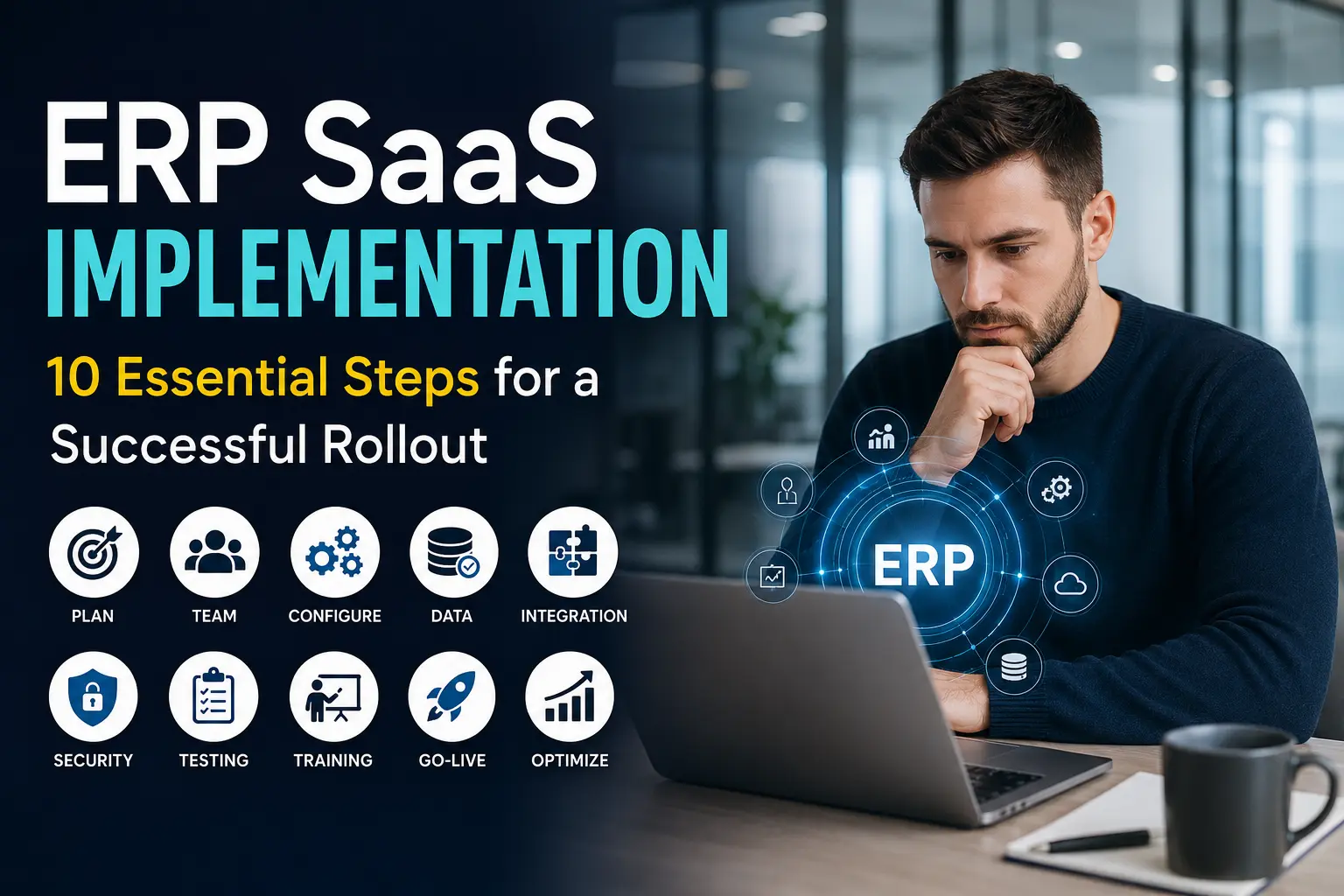
Read More: ERP SaaS Implementation Steps Every Company Should Know
Tools: fybos.com



14 thoughts on “How ERP SaaS Boosts Business Productivity: 10 Powerful Benefits”