ERP SaaS Integration with CRM and Accounting Systems: The Complete Guide
Your sales team closes a deal. Your CRM records it. Finance waits for the details. Someone exports a spreadsheet. Someone else imports it into accounting. Then another person checks whether the numbers match.
Sound familiar?
That little workflow can quietly eat hours every week. ERP SaaS integration with CRM and accounting systems fixes that mess by connecting the systems your business already relies on and allowing them to exchange information automatically.
I’ve always found the best integrations less exciting than flashy software features—and that’s actually a compliment. When an integration works properly, nobody talks about it. Orders move, invoices appear, customer records stay consistent, and finance gets the numbers it needs without chasing people around.
So, how does ERP SaaS integration work, what should you connect first, and what mistakes should you avoid?
Let’s break it down without turning this into a technical manual nobody wants to read.
What Is ERP SaaS Integration?
ERP SaaS integration connects a cloud-based ERP system with other business applications, such as CRM, accounting, e-commerce, payroll, inventory, and customer support platforms.
ERP stands for Enterprise Resource Planning. A SaaS ERP runs through the cloud, so your company accesses it through the internet instead of managing the entire software infrastructure internally.
A typical business might use:
- A CRM for leads, customers, and sales opportunities
- An ERP for operations, inventory, purchasing, and business processes
- Accounting software for invoices, payments, expenses, and financial reporting
- An e-commerce platform for online orders
- Payment gateways for transactions
- Payroll software for employee payments
- Business intelligence tools for reporting
Without integration, these applications can create information silos.
With integration, they can work together.
Why Does Integration Matter?
Imagine your sales representative closes a $20,000 deal.
The CRM knows about the customer and the deal. The ERP needs the order information. Accounting needs the invoice and payment details. Inventory may need to reserve products.
Integration can move that information between systems automatically.
That means fewer spreadsheets, fewer duplicate entries, and fewer opportunities for someone to type $2,000 instead of $20,000.
And yes, humans make mistakes. Computers do too, but usually because we told them to.
How ERP SaaS Integration Works
ERP SaaS integration usually relies on APIs, connectors, middleware, webhooks, or integration platforms.
You don’t necessarily need to understand every technical detail, but knowing the basic architecture helps you make better decisions.
APIs Connect Applications
An API, or Application Programming Interface, allows one software application to communicate with another.
For example, your CRM might send customer information to your ERP through an API.
The workflow could look like this:
- A salesperson creates a customer in the CRM.
- The CRM sends the customer information through an API.
- The ERP receives the information.
- The ERP creates the corresponding customer record.
- The accounting system receives the required billing information.
- The finance team sees the updated data.
That entire process can happen automatically.
Middleware Adds Flexibility
Some companies connect applications directly.
Others use middleware or integration platforms between them.
The middleware acts like a traffic controller. It receives information from one system, transforms it when necessary, and sends it to another.
This approach can help when your business uses several applications.
For example:
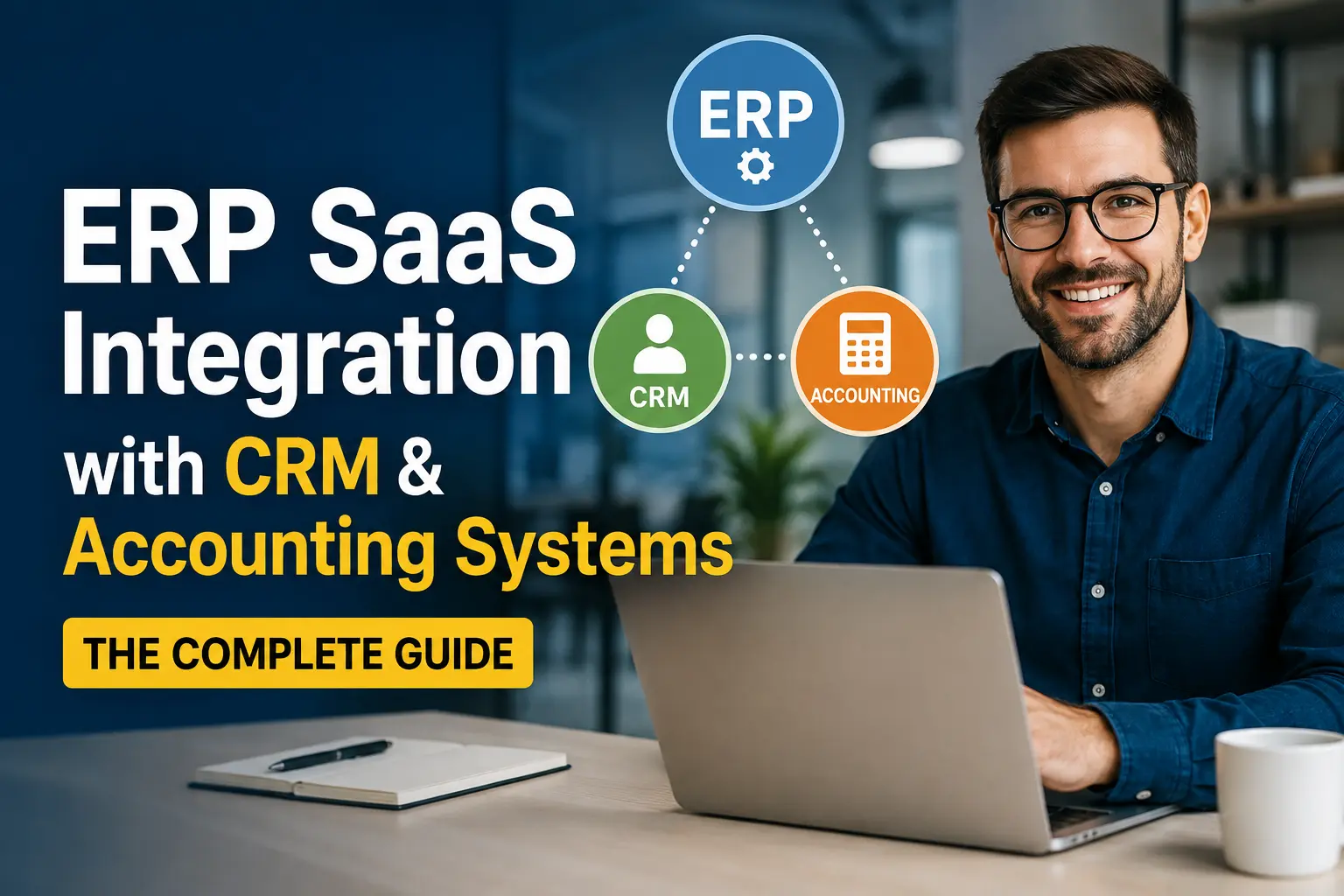
CRM → Integration Platform → ERP → Accounting
Instead of creating separate custom connections for every application, you can manage many workflows through one integration layer.
Webhooks Trigger Real-Time Actions
A webhook can notify another application when something happens.
For example:
New CRM order → webhook → ERP creates sales order
This approach can reduce delays because systems don’t need to wait for scheduled data synchronization.
FYI, real-time integration sounds impressive, but you don’t always need it. Sometimes a scheduled synchronization every 15 minutes works perfectly well.
ERP SaaS Integration With CRM
CRM integration often delivers one of the biggest benefits because sales and operations depend heavily on the same customer and order information.
Your CRM handles the relationship side of the business. Your ERP handles many of the operational and financial processes behind that relationship.
Connecting them creates a much smoother customer journey.
What Data Should You Sync?
You can synchronize information such as:
- Customer names
- Contact information
- Company details
- Sales opportunities
- Products and services
- Pricing
- Quotes
- Sales orders
- Order status
- Shipping information
- Payment status
- Customer account information
But don’t synchronize everything simply because you can.
Only move data that another system genuinely needs.
Every additional field creates another dependency. And dependencies have a nasty habit of becoming tomorrow’s troubleshooting headache.
CRM-to-ERP Workflow Example
Consider a B2B company selling industrial equipment.
A salesperson creates a customer and opportunity inside the CRM.
After the customer accepts the quote, the integration can:
- Create the customer inside the ERP.
- Create a sales order.
- Check inventory.
- Reserve available stock.
- Generate fulfillment information.
- Send invoice data to accounting.
- Return order status to the CRM.
Now the salesperson can check the order status without asking the operations team.
That sounds small.
Across hundreds of orders, it becomes a major productivity improvement.
ERP SaaS Integration With Accounting Software
Accounting integration often becomes the financial backbone of your ERP environment.
The goal involves keeping operational and financial information aligned.
When someone creates an order in your ERP, the accounting system may need information about:
- Revenue
- Customer
- Tax
- Discounts
- Accounts receivable
- Payment status
- Invoice number
- Product or service category
- Currency
- Payment method
Automate Invoice Creation
Suppose your company processes 300 orders each month.
Without automation, employees may copy information from the ERP into accounting software.
That creates repetitive work.
With integration, the ERP can send the required information automatically.
The accounting system can then create or update the invoice.
Automation reduces manual entry and helps finance teams spend more time reviewing financial information instead of typing it.
Keep Financial Data Consistent
Data consistency matters enormously.
Imagine your CRM shows one customer name, your ERP shows another, and your accounting platform uses a third version.
Now someone needs to figure out whether three records represent one customer.
That’s not productive.
A strong ERP integration strategy establishes a single source of truth for important data.
For example:
- CRM → customer relationships and sales activity
- ERP → operations, inventory, purchasing, and order management
- Accounting → financial transactions and reporting
The exact ownership depends on your business, but defining it early prevents plenty of confusion.
ERP, CRM, and Accounting: How They Work Together
The real value appears when you connect all three systems.
Think about the entire customer lifecycle.
Step 1: Lead Generation
Your marketing team generates a lead.
The CRM stores:
- Name
- Company
- Contact details
- Lead source
- Sales activity
Step 2: Opportunity Creation
The salesperson qualifies the lead and creates an opportunity.
The CRM tracks:
- Products
- Quantity
- Pricing
- Expected close date
- Sales representative
- Opportunity value
Step 3: Customer Conversion
The customer accepts the proposal.
The CRM sends the required information to the ERP.
Step 4: Order Processing
The ERP creates the order and handles operational processes.
It can check:
- Inventory
- Purchasing requirements
- Fulfillment
- Shipping
- Production
- Order status
Step 5: Accounting
The ERP sends financial information to the accounting system.
Accounting can then manage:
- Invoices
- Payments
- Receivables
- Taxes
- Revenue records
Step 6: Reporting
Management can combine information from these systems to understand the entire business process.
That creates a much clearer picture than three disconnected dashboards.
The Biggest Benefits of ERP SaaS Integration
Integration delivers more than convenience.
When you connect ERP, CRM, and accounting systems correctly, you can improve several areas simultaneously.
1. Reduce Manual Data Entry
Nobody starts a business because they love copying customer information between spreadsheets.
ERP integration automates repetitive data-entry tasks.
Employees can focus on sales, customer service, financial analysis, and operations instead.
2. Improve Data Accuracy
Manual entry creates errors.
One typo can affect an invoice, shipment, customer record, or financial report.
Automated synchronization reduces the number of times employees need to enter the same information.
3. Create Faster Workflows
Automation removes unnecessary handoffs.
A sales order can move from CRM to ERP without waiting for someone to process it manually.
That can shorten order-processing times and improve customer service.
4. Improve Financial Visibility
When accounting receives timely operational data, finance teams can understand the business more clearly.
They can track:
- Revenue
- Outstanding invoices
- Customer balances
- Sales activity
- Order values
- Payment status
Better data can lead to better decisions.
5. Improve Customer Experience
Customers don’t care which software your company uses.
They care whether you deliver what you promised.
When CRM and ERP systems communicate properly, sales representatives can access better order information and respond to customers faster.
6. Support Business Growth
Manual processes might work with 20 customers.
They can become painful with 2,000.
ERP SaaS integration creates a scalable workflow that can handle higher transaction volumes without requiring the same increase in administrative work.
7. Improve Reporting
Integrated systems provide more connected data.
Instead of manually combining spreadsheets from sales, finance, and operations, businesses can create reports from synchronized information.
That can improve visibility into:
- Sales performance
- Inventory
- Profitability
- Cash flow
- Customer value
- Operational efficiency
What Data Should You Integrate?
This question deserves more attention than it usually gets.
You shouldn’t integrate systems simply because someone says, “We need everything connected.”
Start with business-critical data.
Customer Data
Consider synchronizing:
- Customer ID
- Name
- Phone
- Billing address
- Shipping address
- Tax information
- Customer status
Product Data
Product synchronization can include:
- SKU
- Product name
- Description
- Price
- Cost
- Inventory quantity
- Tax category
- Product status
Order Data
Order integration can include:
- Order ID
- Customer
- Products
- Quantity
- Price
- Discounts
- Taxes
- Shipping details
- Payment status
- Order status
Financial Data
Financial synchronization may include:
- Invoice details
- Payment information
- Tax amounts
- Accounts receivable
- Refunds
- Credit notes
Define data ownership before you build the integration.
If both systems try to control the same field, you can create synchronization conflicts.
Real-Time vs Scheduled ERP Integration
You’ll often hear vendors talk about real-time integration.
It sounds great.
But should every business use it?
Not necessarily.
Real-Time Integration
Real-time synchronization moves information almost immediately.
It works well for:
- Inventory availability
- Order status
- Payment confirmation
- Customer account updates
- High-volume transactions
For example, an e-commerce business may need real-time inventory information to avoid selling products that have already sold out.
Scheduled Integration
Scheduled integration moves information at defined intervals.
For example:
- Every 15 minutes
- Every hour
- Once per day
This approach can work well for:
- Daily reports
- Non-critical updates
- Historical data
- Certain accounting processes
IMO, the best strategy often combines both approaches.
Use real-time integration where delays hurt the business and scheduled synchronization where they don’t.
Common ERP SaaS Integration Challenges
Integration doesn’t magically solve every problem.
Sometimes it creates new ones if you build it without a plan.
Poor Data Quality
If your CRM contains duplicate customer records, your integration may simply move those duplicates into the ERP.
Automation doesn’t fix bad data automatically.
Clean your data before you connect systems.
Duplicate Records
A customer might exist in all three systems with different IDs.
You need a reliable matching strategy.
Common identifiers include:
- Customer ID
- Email address
- Company registration number
- External system ID
Conflicting Data
What happens when the CRM says a customer has one phone number and the ERP contains another?
Which system wins?
You need clear rules.
Integration Failures
APIs can fail.
Servers can go offline.
Authentication tokens can expire.
Networks can have bad days.
Your integration should include:
- Error logging
- Retry mechanisms
- Alerts
- Monitoring
- Failure notifications
- Data reconciliation
Security Risks
Every integration creates another pathway between systems.
That makes security important.
Use:
- Secure authentication
- Encryption
- Least-privilege access
- API keys or OAuth where appropriate
- Access controls
- Audit logs
- Regular security reviews
Security shouldn’t become an afterthought after someone discovers a suspicious login at 2 a.m. 🙂
How to Plan an ERP SaaS Integration
A structured approach can save you from expensive rework.
Step 1: Map Your Current Processes
Document how information currently moves.
Ask:
- Where does customer data originate?
- Who creates orders?
- Who creates invoices?
- Which system owns product data?
- Where do payment updates happen?
- Which reports require manual spreadsheets?
Step 2: Identify Integration Priorities
Don’t integrate everything at once.
Start with the workflows that create the biggest business impact.
For many businesses, that means:
CRM → ERP → Accounting
Step 3: Define Data Ownership
Create clear rules.
For example:
| Data | Primary System |
|---|---|
| Leads | CRM |
| Sales opportunities | CRM |
| Customers | CRM/ERP |
| Products | ERP |
| Inventory | ERP |
| Orders | ERP |
| Invoices | Accounting |
| Payments | Accounting |
Your structure may differ, but the principle remains the same.
Step 4: Choose the Integration Method
You can use:
- Native integrations
- APIs
- Middleware
- iPaaS platforms
- Custom development
- Webhooks
- Scheduled data transfers
Choose based on complexity, budget, scalability, and technical resources.
Step 5: Start With a Small Workflow
Don’t connect 40 systems on day one.
Pick one valuable workflow.
For example:
CRM closed deal → ERP sales order → Accounting invoice
Test it thoroughly.
Then expand.
Step 6: Monitor Everything
After launch, monitor:
- Failed transactions
- Duplicate records
- API errors
- Synchronization delays
- Missing fields
- Authentication failures
Integration isn’t a “set it and forget it” project.
Native Integration vs Custom Integration
You generally have two broad choices.
Native Integrations
A software vendor may offer a built-in connection with another application.
Advantages:
- Faster implementation
- Lower development effort
- Easier setup
- Vendor support
Disadvantages:
- Limited customization
- Fewer workflow options
- Potential feature restrictions
Native integration makes sense when your business processes closely match the vendor’s supported workflows.
Custom API Integration
Custom integration gives developers greater control.
Advantages:
- Flexible workflows
- Custom business rules
- Greater control over data
- Support for specialized systems
Disadvantages:
- Higher development costs
- More maintenance
- Greater technical complexity
- More responsibility for monitoring
If you have unusual processes, custom integration may make more sense.
iPaaS: A Middle Ground
An Integration Platform as a Service, or iPaaS, can sit between native connectors and fully custom development.
An iPaaS platform typically lets you connect applications through visual workflows and prebuilt connectors.
You might create something like:
CRM trigger → Transform customer data → ERP action → Accounting action → Notification
That can reduce development work while still offering customization.
For many growing companies, this approach provides a useful balance.
How Much Does ERP SaaS Integration Cost?
There isn’t one universal price.
Your costs depend on:
- Number of systems
- Number of workflows
- Data volume
- Customization
- Integration platform
- Developer requirements
- Security requirements
- Migration needs
- Ongoing maintenance
A simple two-system connection can cost relatively little.
A large enterprise integration involving multiple ERPs, CRMs, accounting platforms, warehouses, payment systems, and custom applications can cost substantially more.
Don’t choose an integration solution based only on its initial price.
Consider the total cost of ownership.
A cheap integration that requires constant manual fixes can cost more than a properly designed solution.
ERP Integration Security Best Practices
Security deserves its own section because integrated systems share valuable business information.
Follow these principles:
Use Least-Privilege Access
Give integrations only the permissions they actually need.
If an integration only needs to read inventory, don’t give it permission to modify financial records.
Protect Credentials
Never store API credentials carelessly inside application code or spreadsheets.
Use secure credential management.
Encrypt Data
Protect information both during transmission and wherever your systems store sensitive information.
Monitor Access
Keep logs of important integration activity.
Monitoring helps you identify unusual behavior and troubleshoot failures.
Review Integrations Regularly
Business systems change.
APIs change.
Employees leave.
Credentials expire.
Review your integration environment periodically instead of assuming everything will remain perfect forever.
How to Measure ERP Integration Success
You need measurable results.
Otherwise, how do you know whether your integration actually improved the business?
Track metrics such as:
- Manual data-entry hours saved
- Order-processing time
- Invoice-processing time
- Data error rate
- Duplicate customer records
- Integration failure rate
- Average synchronization delay
- Customer response time
- Employee productivity
- Cost per transaction
For example, suppose your finance team previously spent 40 hours each month entering sales information.
After integration, that falls to 10 hours.
You just saved approximately 30 hours every month.
That’s a result you can measure.
Common ERP Integration Mistakes to Avoid
Let’s save you some headaches.
Trying to Integrate Everything Immediately
Start small.
Prove one workflow.
Then expand.
Ignoring Data Cleanup
Bad data creates bad automation.
Clean your customer, product, and financial records before synchronization.
Skipping Error Handling
Every integration needs a plan for failures.
Ask:
What happens when the API fails?
If your answer is “someone will notice eventually,” you need a better plan.
Forgetting About Business Rules
Different companies handle discounts, taxes, refunds, inventory, and payments differently.
Your integration must reflect your actual processes.
Ignoring Employees
Technology doesn’t replace process design.
Train employees and explain how the new workflow changes their daily responsibilities.
Failing to Monitor Performance
An integration can work perfectly for months and then fail after an API change.
Monitoring helps you catch problems early.
ERP SaaS Integration Best Practices
If you want the short version, keep these principles nearby:
- Define business goals before choosing technology.
- Choose a clear system of record for each data type.
- Clean data before migration and synchronization.
- Start with high-value workflows.
- Use real-time synchronization only where necessary.
- Build proper error handling.
- Monitor API and integration performance.
- Protect credentials and sensitive business information.
- Document workflows and data mappings.
- Review the integration regularly.
These practices sound simple.
That’s exactly why people skip them.
The Future of ERP SaaS Integration
ERP integration continues to move toward more automation and intelligent workflows.
Businesses increasingly want systems that don’t just exchange information but also help employees make decisions.
AI can potentially help identify:
- Unusual transactions
- Duplicate records
- Inventory problems
- Payment risks
- Sales trends
- Data inconsistencies
- Workflow bottlenecks
But AI doesn’t remove the need for good integration architecture.
Clean data still matters. Clear ownership still matters. Secure APIs still matter.
Fancy technology can’t rescue a messy process.
Final Thoughts
ERP SaaS integration with CRM and accounting systems can transform disconnected business applications into one coordinated workflow.
Your CRM can manage customer relationships. Your ERP can coordinate operations. Your accounting system can manage financial information. Integration connects those processes so your teams don’t have to act as human middleware.
The smartest approach doesn’t involve connecting every application immediately.
Start with your most painful workflow. Define who owns each piece of data. Clean your existing records. Choose the right integration method. Then monitor the results.
And remember: the goal of ERP integration isn’t to create more technology. It’s to remove unnecessary work.
If your employees still spend Friday afternoon copying information from one system into another, your integration strategy probably has room for improvement.
Your software should handle the boring stuff.
Your people should handle the interesting stuff.
Read More: How ERP SaaS Boosts Business Productivity: 10 Powerful Benefits
My new site: news9.live